TCS→toMicrosoft
Full-Stack AI Developer
“AI pair-programming changed how I build. At Microsoft, I coded a resilient API with docs and full test coverage in half the interview time.”
Full-Stack AI Developer
“AI pair-programming changed how I build. At Microsoft, I coded a resilient API with docs and full test coverage in half the interview time.”
Technical Operations Lead
“Slides, SOPs and reports took 60% of my week. Now I use the course’s AI frameworks to turn raw requirements into polished docs in minutes.”
Business Solutions Engineer
“In my Google case round, I used AI to clean data, build an interactive financial model and create a board-ready deck.”
Senior Software Engineer
“I spent days debugging and writing docs. AI coding, refactoring and test automation helped me increase my daily output tenfold.”
Product & Growth Engineer
“Three offers in two weeks: Meta, Databricks and Adobe. I showed how I use AI to build apps, turn research into PRDs and create demos.”
Automation & Strategy Lead
“AI helped me move beyond repetitive Excel reporting and SOP work by automating document workflows and business logic.”
You’ve earned your experience. Give it an AI advantage. Bring stronger ideas, clearer results and work you’re proud to show to your next demo, appraisal or interview.
Give your experience an AI advantage.Build work you’re proud to show.
₹99Learn AI
One new skill set. Four ways to stand out.
YOUR EXPERIENCE × AI ↓Use AI to write clearer updates and show your results at work.
BUILD: CLARITY + INITIATIVECreate AI work samples for your portfolio and job applications.
BUILD: DEMONSTRABLE SKILLDiscuss your AI skills with real examples in interviews.
BUILD: UNDERSTANDING + EXAMPLESTurn rough ideas into clear plans and useful visuals.
BUILD: PRACTICAL AI JUDGMENTWrite clearly, create visuals, debug code and use AI tools. Build work you can show in projects, appraisals and interviews.
18 recorded lessons · 6 hours.
Learn at your pace. All 6 bonuses included.
Paste your notes. Get a clear update with the facts intact.
search thing still in progress… help-page link fixed yesterday… Maya’s data hasn’t arrived… search done — scratch that… 4pm is an update, not a delivery promise… keep the blocker in…
Describe an image, then refine it with simple instructions.
“Change her shirt to cobalt blue.”
Find the bug, fix the code and test the result.
Ask AI to navigate websites and follow your instructions.
Build practical skills you can bring to your next project, team demo or interview.
Understand AI, write clear prompts and check its answers.
Debug code, create images and request specific edits.
Find answers with sources and use AI to navigate websites.
Understand the basics, get useful answers, create and check your work, then explore tools that go beyond chat.
Real demonstrations. English captions.
Pause, replay and learn at your pace.
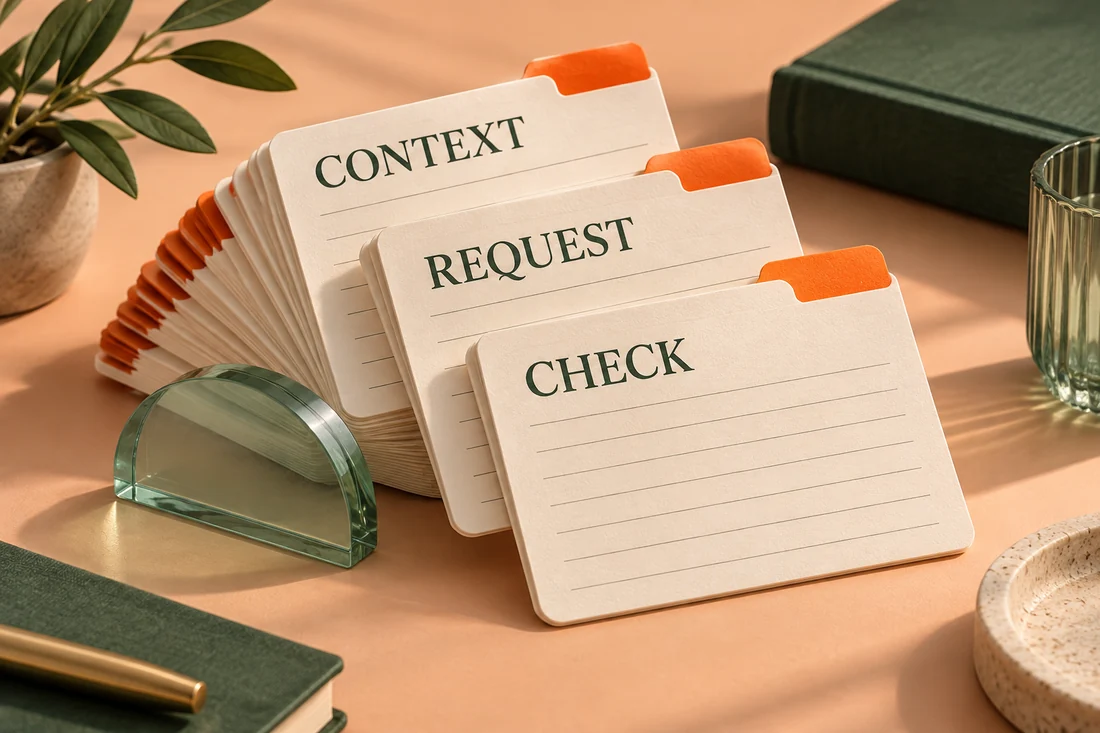 BONUS 01
Start notes, research, image and code tasks with a ready-made prompt and a result check.
6 task groups · PDF + copyable text
 BONUS 02
Understand models, tokens, context and tools through clear diagrams and plain-English explanations.
Visual explanations · AI glossary
 BONUS 03
Check AI answers before you share them—with worked examples of mistakes to catch.
Printable checklists · Worked examples
 BONUS 04
Practise one skill at a time. Choose an answer and reveal its explanation.
Optional · 10–15 min each · No typing
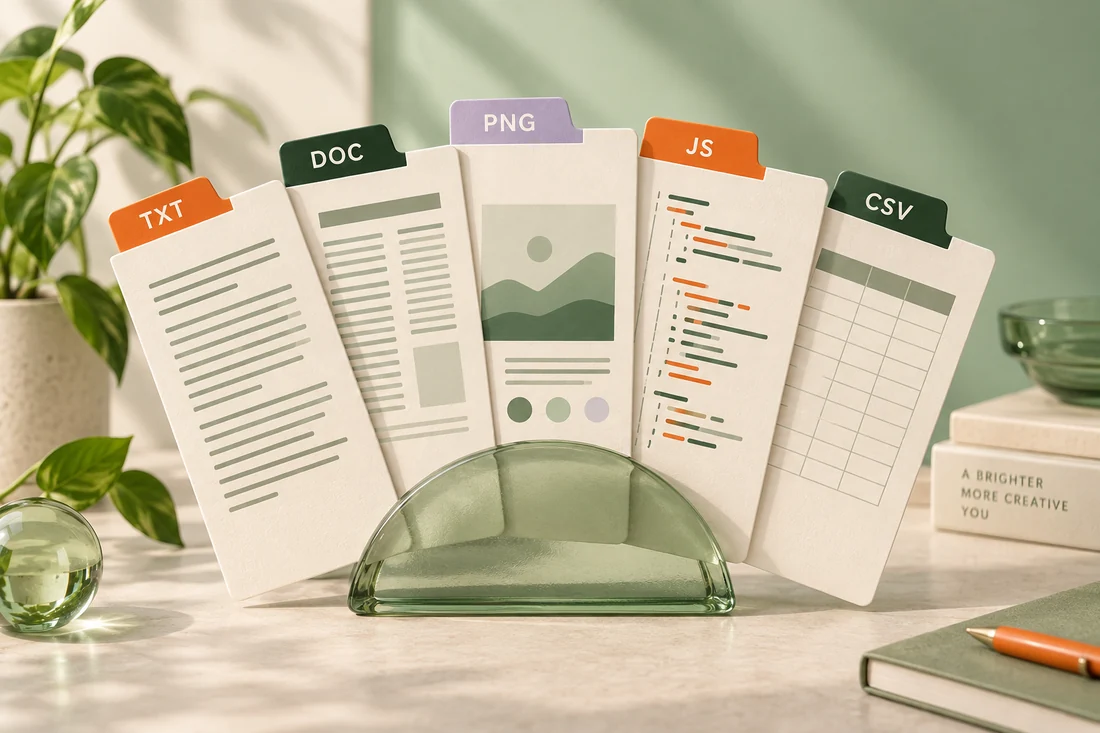 BONUS 05
Try fictional notes, a document, screenshot, JavaScript and CSV with prompts and worked examples.
Fictional inputs · Reference answers
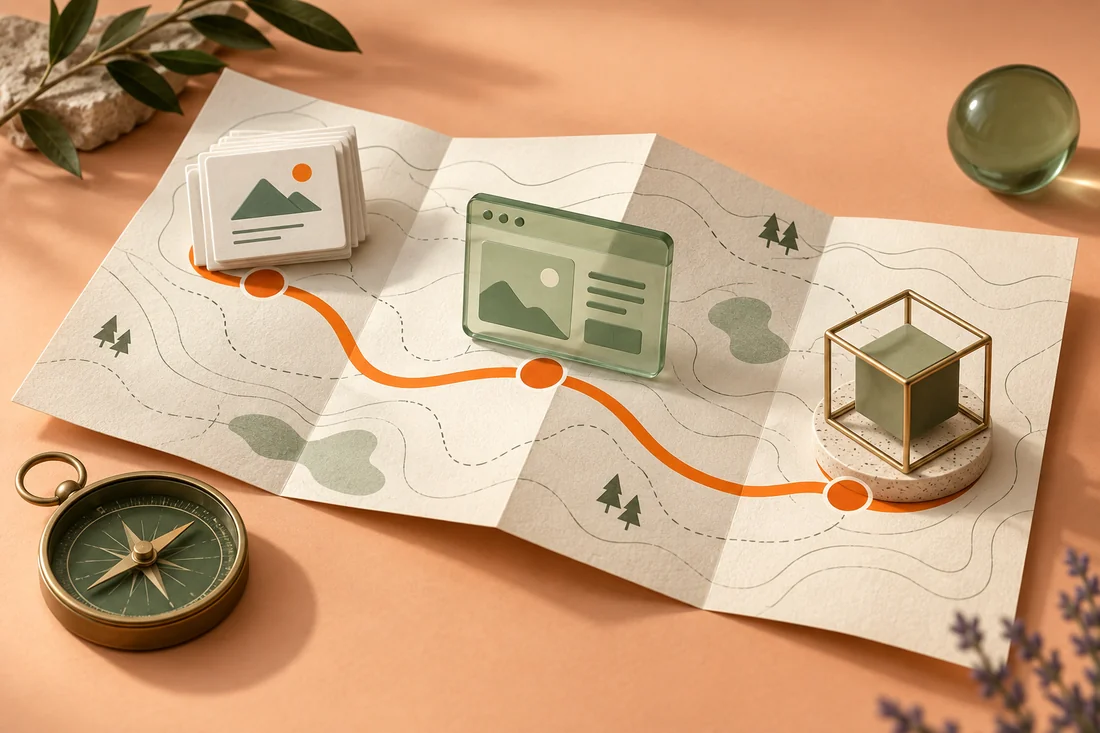 BONUS 06
Plan a useful project or service: define the deliverable, choose the tools and check the cost.
8 tool routes · Scope + cost worksheet
All 6 bonuses included.With your ₹99 course. No extra charge.
₹99Learn AI“How have you used AI in your work?”
Someone else can walk through a workflow, a result and the checks they made.
You’re still saying,
“I’ve been meaning to learn it.”
Don’t let that be the gap people remember. Build practical AI experience before you need to prove it.
Learn AI₹99Learn AI18 lessons · 6 recorded hours · Learn at your pace
AI engineer rolesAssume +15% per year
Traditional engineer rolesAssume −5% per year
Earn your personalised Certificate of Completion from The AI Advantage. Pair it with the work you create to strengthen your profile for your next career move.
Give your applications an AI edge.Show your learning on LinkedIn and your résumé.
Bring more to the interview.Talk through the AI workflows you’ve learned and applied.
Turn learning into your next move.Present your certificate alongside work you’re proud to show.
Awarded on completion · Included with the course
One focused foundations course.
A practical toolkit to help you use it.
A ₹99 starting point.
A low-cost entry to AI Foundations. The job-search course is separate and optional.
Know what you’re getting.
Know where it can take you.
Yes. After completing the course, you receive a personalised Certificate of Completion from The AI Advantage. It includes your name, course name and completion date.
You’ll learn AI and language-model basics, prompting, research with sources, image creation and editing, and basic code debugging. The course also demonstrates working with files, websites and desktop applications.
You can use these skills to draft team updates, summarise documents, research questions, create visuals and debug small coding problems. The demonstrations show how to provide instructions, refine the output and check it.
The course helps you explain AI concepts and describe practical AI workflows in interviews. You can discuss the task, prompts, results and checks from an example you have practised.
You can apply the workflows to your work and track time saved or improvements in quality. Use those results in performance reviews and salary discussions. Hikes and promotions depend on your performance and your employer’s decisions.
Create a small project using a course workflow, such as a research summary with sources, an edited image or a tested code fix. Show the original task, your process and the final result.
Yes. The course starts with AI fundamentals and covers prompting, verification, code debugging and connected tools. It focuses on practical AI use in everyday work.
Yes. The lessons include recorded ChatGPT demonstrations covering conversations, research, images, code, files, websites and desktop applications. You’ll see the prompts, actions and outputs, with explanations of the steps.
The course has 18 recorded lessons totalling 6 hours. It is self-paced, so you can pause, replay and complete the lessons around your schedule.